A contract template has been created. Now you can create contracts from the product card “Transactions". In this case, it was created to deliver the product.
It is enough to enter the INN of the company in the Banking Details field and the system will pick up the data from open sources.
You can also edit the Banking Details field by clicking “details". You can change the CEO's full name and leave only the last name and initials. Also edit the company's address: Legal address, Actual address.
The important thing in editing the Details field is “Bank details". Fill in the field “Bank name”, “BIC", “Settlement account", “Corporate account".
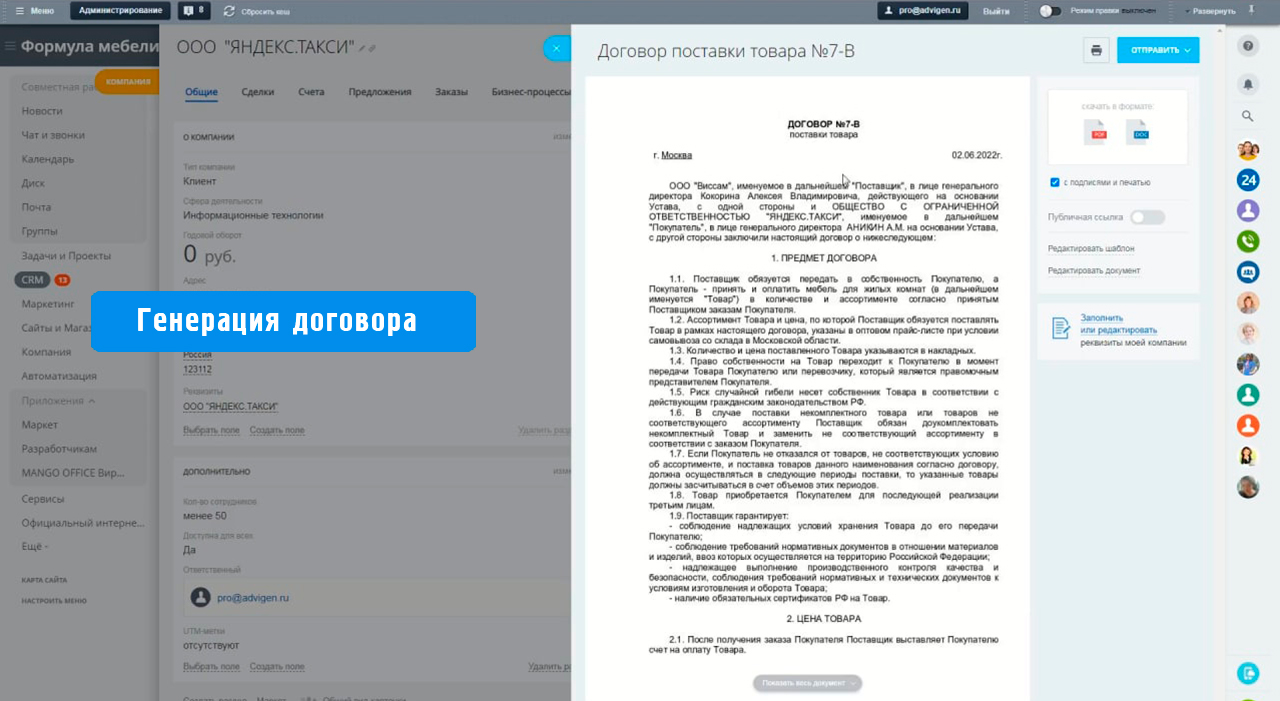
To make a contract, click on “Documents” and “Delivery agreement” in the upper corner. Then it is generated. After creating it, you can edit the contract (Contract number, Name, Data) if you suddenly made a mistake, so that you can fix it immediately. And then you can download it in two formats: pdf, docx.
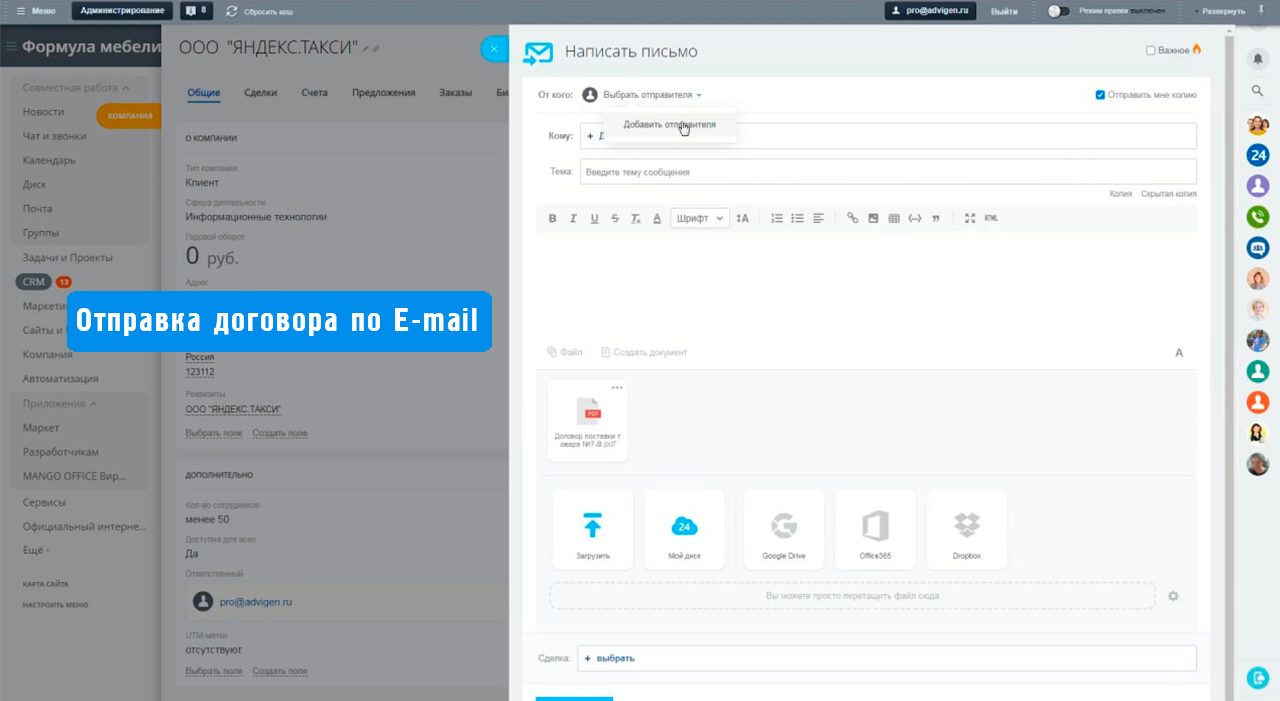
If you have mail enabled in Bitrix24, you can send the contract by email. You can also create mail templates so that the data is immediately pulled up: to whom to send, the subject of the letter, the text.
There is also a “Public link" function. By activating it, a quick link is generated and you can view the contract through it.